
Turning Street Ideas into Clear Decisions
Urban planning projects move through many stages: early concepts, technical review, stakeholder engagement, approvals, and implementation. At every stage, teams need to turn complex spatial decisions into visuals that are accurate, understandable, and easy to revise. That is where modern software for urban planners becomes essential.
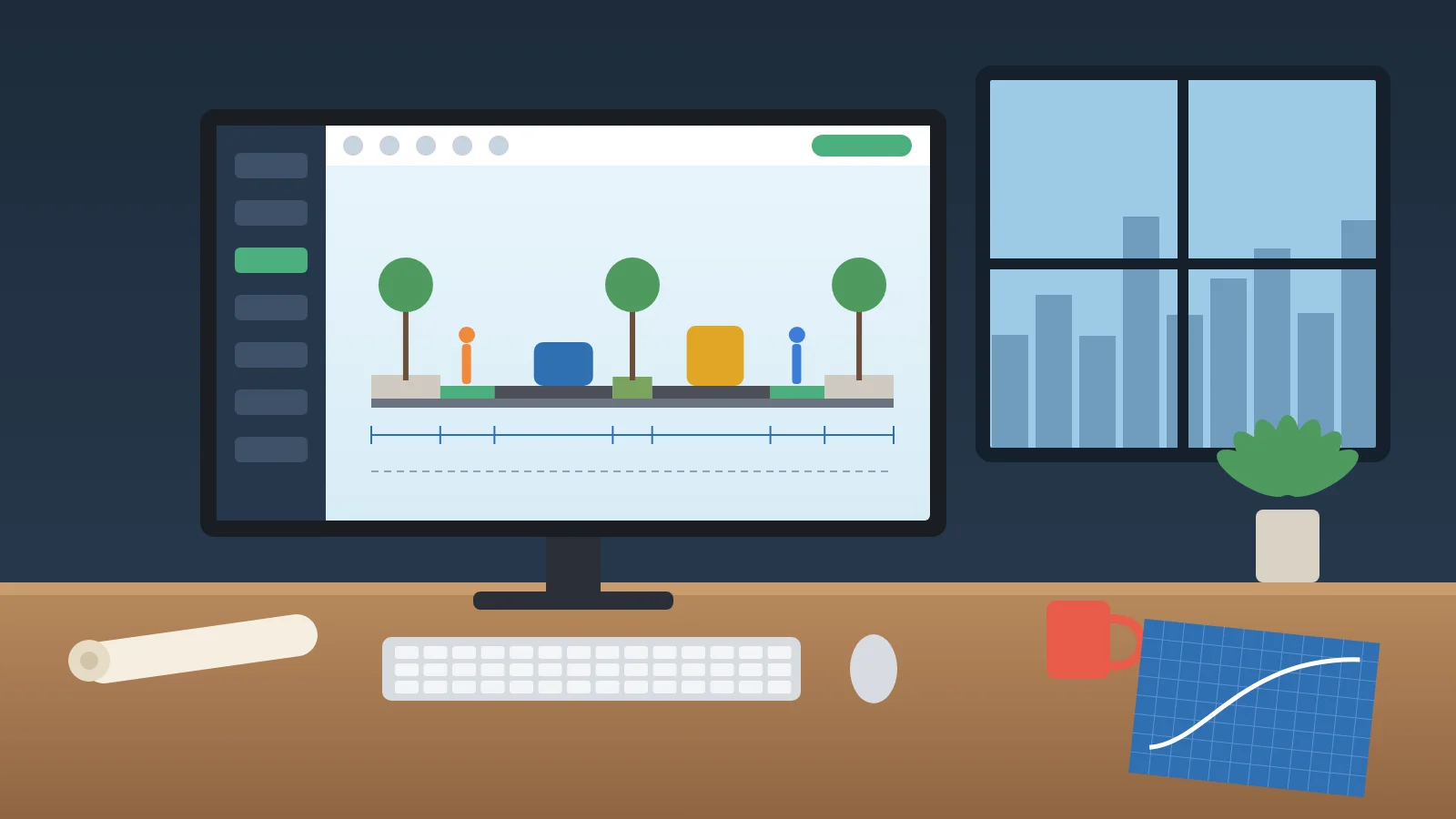
Rather than relying on disconnected drawings, spreadsheets, image-editing tools, and repeated manual updates, the right platform can help planners develop street and corridor alternatives in a more structured workflow. It enables teams to test dimensions, compare options, and prepare professional outputs for clients, municipalities, engineering partners, and the public.
For projects involving complete streets, active mobility, public realm upgrades, or transport corridors, planning software is no longer only a technical convenience. It is a practical way to make better decisions faster.
Why Urban Planners Need Purpose-Built Software
Urban planners often balance competing needs within a limited space. A single street may need to accommodate pedestrians, cyclists, public transport, private vehicles, trees, drainage, accessibility requirements, deliveries, and public space.
When each change requires a manual redrawing process, even small revisions can take considerable time. A purpose-built digital tool helps organize this process by allowing planners to work with defined parameters instead of rebuilding every street section from scratch.
Key benefits include:
- Faster creation of street and corridor cross-sections
- Easier updates when widths, lanes, sidewalks, or cycling facilities change
- Clearer communication with non-technical stakeholders
- More consistent outputs across a project team
- Better comparison of design alternatives before decisions are finalized
What to Look for in Software for Urban Planners
Not every design platform supports the practical needs of urban planning. General drafting software may be powerful, but it can demand extensive time and specialist skills for tasks that need to be completed quickly.
A useful platform should support both design accuracy and communication.
Parametric Design Capabilities
Parametric design allows users to adjust a value—such as lane width, sidewalk width, planting strip, or bicycle lane—and regenerate the section without manually redrawing every element.
This matters when a planning team needs to explore several alternatives. Instead of producing one static drawing, planners can evaluate how different design choices affect the allocation of public space.
Clear Street Cross-Section Creation
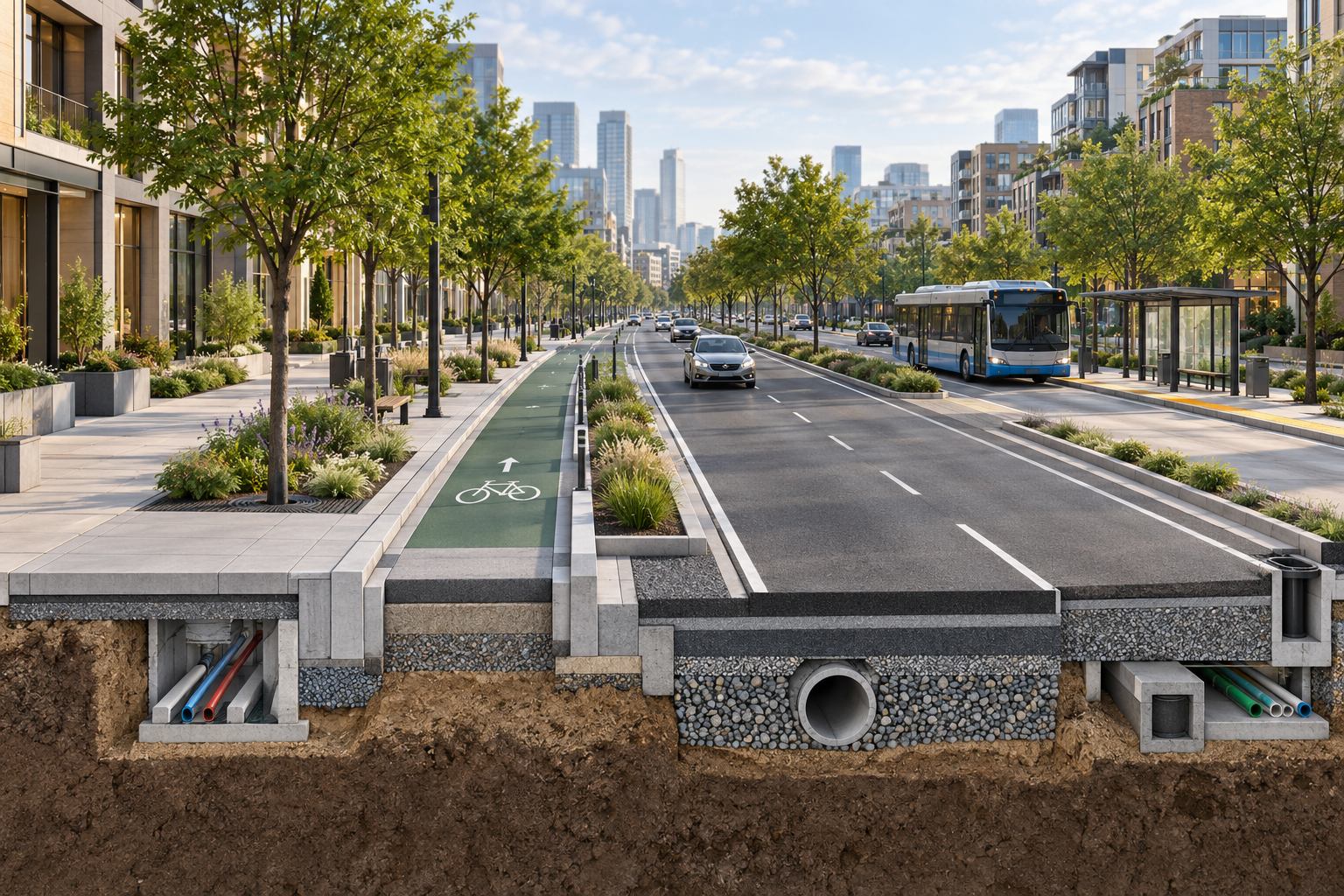
Street cross-sections are among the most effective ways to explain urban design decisions. They show how different street elements work together across the available width.
Effective urban planning software should make it easier to create sections that include:
- Travel lanes
- Bus lanes and transit facilities
- Protected bicycle infrastructure
- Sidewalks and accessible routes
- Trees, planting areas, and green infrastructure
- Parking, loading, and servicing areas
- Medians, safety buffers, and pedestrian crossings
Professional Export Options
Planning work must often be shared beyond the design team. The ability to export a clear output in formats such as PDF, PNG, or DWF can reduce friction when preparing reports, public presentations, planning submissions, and engineering coordination packages.
A professional output should be easy to understand at a glance while still respecting the technical details behind the proposal.
How Street Design Software Improves Collaboration
Urban planning rarely happens in isolation. A planner may need to coordinate with transportation engineers, landscape architects, municipal departments, architects, utility consultants, and community representatives.
Each group may focus on a different concern. Engineers may review geometry and operational needs. Landscape teams may focus on planting and public-realm quality. Municipal stakeholders may need to understand costs, feasibility, and public impact.
A visual, parameter-based workflow helps bring these discussions into the same frame.
Making Alternatives Easier to Compare
One of the greatest advantages of planning software is the ability to compare multiple scenarios side by side.
For example, a team may need to decide whether a corridor should include:
- A wider pedestrian zone
- A protected bike lane
- Dedicated transit priority
- Additional street trees
- On-street parking
- A loading area for local businesses
When options are shown clearly, the conversation becomes more focused. Stakeholders can discuss real trade-offs instead of trying to imagine them from written descriptions alone.
Supporting Better Public Engagement
Public engagement is more productive when residents can see what is being proposed. Technical plans can be difficult for non-specialists to interpret, especially when they rely on symbols, scale conventions, and engineering notation.
Clear visual street sections help communities understand how a proposed change may affect walking, cycling, transit access, greenery, safety, and vehicle movement. This creates a stronger foundation for constructive feedback.
Common Use Cases for Urban Planning Software
Software for urban planners can support a wide range of projects, from early feasibility studies to detailed design coordination.
Complete Streets Projects
Complete streets aim to make roads safer and more useful for people of different ages, abilities, and travel modes. Planning software helps teams test how space can be redistributed to support pedestrians, cyclists, transit users, and drivers.
Active Mobility Networks
Cities increasingly invest in safe walking and cycling routes. Planners can use street design tools to explore protected bike lanes, wider sidewalks, intersection treatments, and green buffers before moving into detailed engineering.
Transit Corridor Planning
Bus rapid transit, dedicated bus lanes, and improved stops require careful space allocation. A visual cross-section can help a team assess how transit improvements interact with traffic lanes, parking, pedestrian areas, and streetscape design.
Urban Regeneration and Public Realm Design
In regeneration projects, streets often become a central part of the transformation. Software can help planners communicate how a vehicle-focused corridor can evolve into a more welcoming, accessible, and active public space.
Moving Beyond Manual CAD and Image Editing Workflows
Traditional workflows may require teams to draft geometry in one program, prepare visuals in another, and manually update multiple files whenever the design changes. This can create version-control issues, inconsistency, and unnecessary delays.
A specialized platform simplifies the workflow by bringing key tasks together:
- Define the street layout
- Adjust parameters
- Regenerate the section
- Compare alternatives
- Export a presentation-ready result
This does not replace the need for engineering judgment or detailed design review. Instead, it gives planning teams a more efficient way to develop, explain, and refine their ideas.
Choosing the Right Tool for Your Team
The right software depends on your project type, team structure, and required outputs. Before choosing a solution, consider the following questions:
- Does the platform support the street elements your projects require?
- Can non-CAD specialists use it effectively?
- Is it easy to update when design assumptions change?
- Can your team compare alternatives quickly?
- Does it export files suitable for reports, presentations, and technical coordination?
- Can it scale for municipal agencies, consultancies, and multidisciplinary teams?
A useful tool should reduce repetitive work without oversimplifying the real decisions involved in planning.
Frequently Asked Questions
What is software for urban planners?
Software for urban planners is a digital tool that supports planning, visualizing, testing, and communicating urban development decisions. It may assist with street design, land use, mobility, public space, infrastructure, and stakeholder presentations.
Can urban planning software help with street cross-sections?
Yes. Specialized street cross-section software can help planners define street elements, adjust dimensions, compare alternatives, and generate clear visuals for review and communication.
Is CAD experience required to use planning software?
It depends on the platform. Some specialized tools are designed to make street-section workflows more accessible, allowing planners and urban design professionals to create high-quality outputs without relying on complex manual CAD processes for every iteration.
Build Clearer Streets and Stronger Planning Decisions
The best software for urban planners helps teams spend less time repeating manual tasks and more time evaluating better solutions. When design alternatives are fast to create, accurate to update, and easy to communicate, planning becomes more collaborative and more confident.
For street and corridor projects, a dedicated cross-section workflow can bridge the gap between technical design and clear stakeholder communication—helping teams move from an early idea to a well-supported decision.