Why Road Design Software Has Become Essential
Road design software helps engineers and planners turn a road concept into accurate, buildable drawings. It handles geometry, cross-sections, quantities, and visuals that once took days of manual drafting. Today, almost every road and street project depends on it in some form.
However, the term covers a wide range of tools. For instance, some focus on heavy highway engineering. Others, by contrast, are built for fast street concepts and public presentations. Knowing the difference helps teams pick the right tool for each stage of a project, and it helps them avoid paying for complexity they do not need.
How to Design a Road: The Basic Stages
Before choosing a tool, it helps to understand how to design a road from start to finish. Most projects follow a similar path, although the level of detail changes with scale.
1. Planning and Feasibility
First, the team defines the purpose of the road, expected traffic, users, and constraints. Early sketches test whether the corridor can hold the desired lanes, sidewalks, and bike facilities.
2. Horizontal and Vertical Alignment
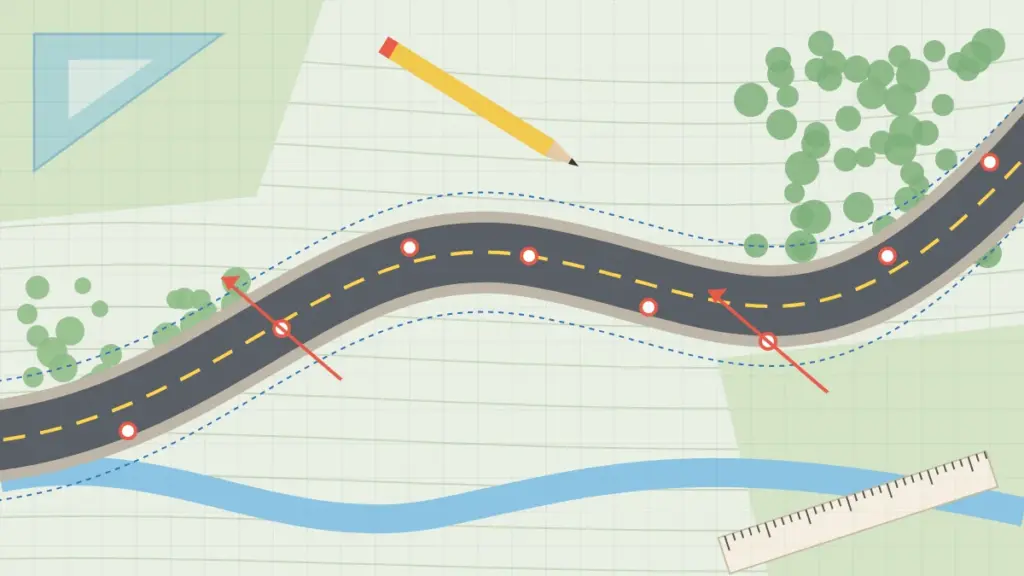
Next, engineers set the centerline, curves, and grades. These choices control safety, sight distance, and earthworks.
3. Cross-Sections
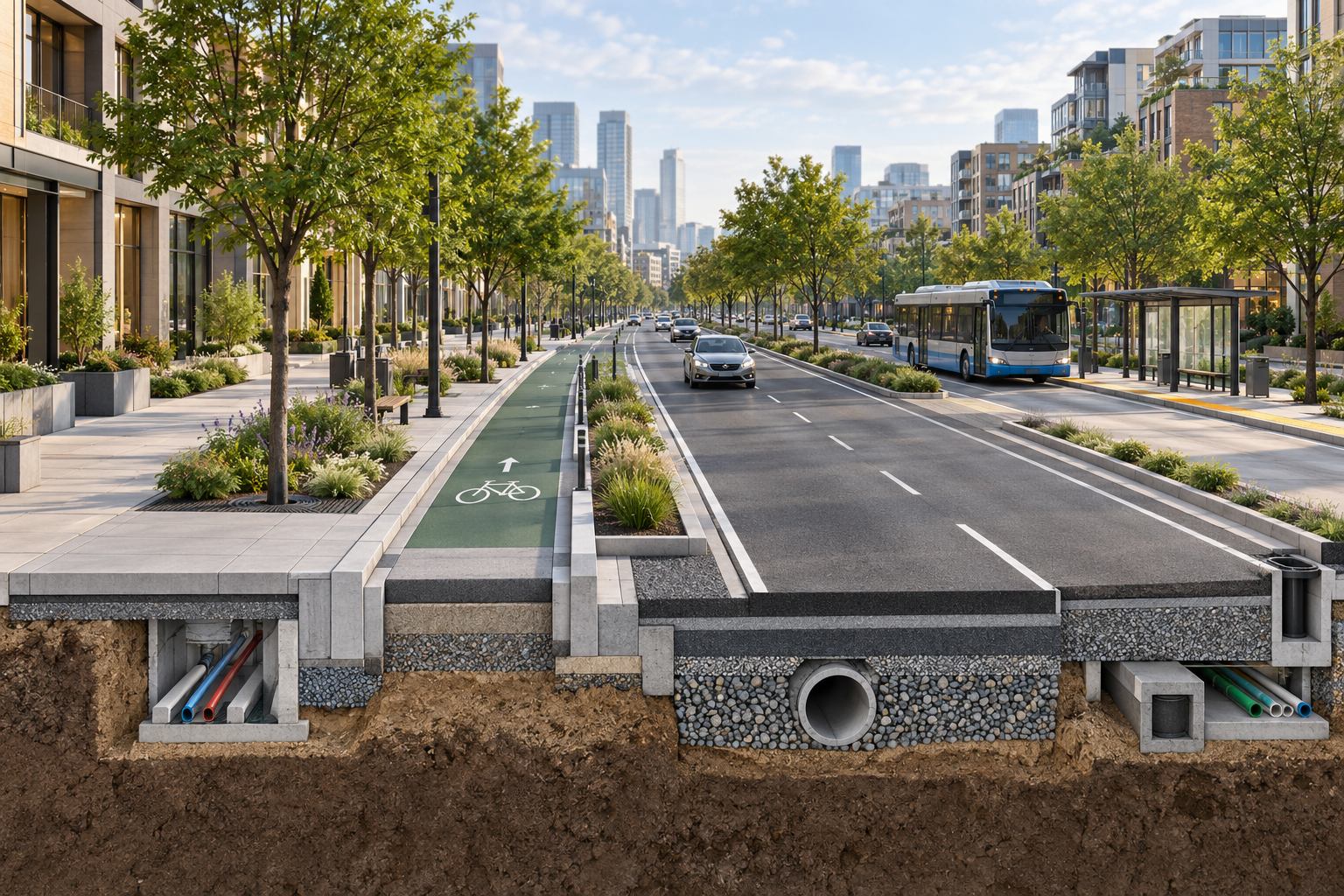
The cross-section defines what sits across the road: lanes, shoulders, medians, sidewalks, drainage, and planting. It is often the most discussed part of the project, because every stakeholder cares about how space is shared.
4. Detailed Design and Documentation
Finally, the design is developed into construction drawings, quantities, and specifications. Coordination with utilities, drainage, lighting, and signals happens at this stage.
Types of Road Design Software
Different tools support different stages. In practice, most firms use a combination rather than one platform for everything.
Civil Engineering Software Suites
Large civil engineering software suites handle surfaces, alignments, corridors, and grading in full 3D. They are powerful and well suited to detailed design. However, they require training and time, and they can feel heavy for quick concept work.
Infrastructure Design Software
Infrastructure design software reaches beyond roads to drainage, utilities, bridges, and rail. It is useful when several disciplines need to work in one shared model, for example on large public works.
Municipal Planning Software
Municipal planning software helps cities manage permits, zoning, assets, and capital plans. While it is not used to draw roads, it often holds the data that road projects depend on.
Cross-Section and Street Design Tools
Specialized tools focus on one task: building accurate street sections quickly. They are ideal for feasibility studies, alternatives analysis, and public engagement. Because they are easy to learn, planners, architects, and engineers can all use them. Our article on transportation design software explores this category in more depth.
Key Features to Look For in Road Design Software
When you compare options, focus on how the tool fits your daily workflow rather than on the longest feature list.
- Engineering accuracy: dimensions must be precise enough for real design decisions, not just attractive pictures.
- Speed of iteration: the tool should update a section in seconds when a width changes.
- Ease of use: a short learning curve lets more of the team contribute.
- Flexible export: outputs should work in reports, slide decks, and CAD files.
- Standards support: element libraries should reflect local guidance as well as widely used references such as the NACTO Urban Street Design Guide.
- Collaboration: sharing versions with clients and colleagues should be simple.
Road Design Software Compared with Manual Drafting
Many teams still draw cross-sections by hand in CAD and then dress them up in an image editor. This works, but it is slow. A new section can take 30 to 90 minutes, and every change means redrafting.
For example, picture a single corridor study with five alternatives and three rounds of comments. As you can see, the hours quickly add up. With dedicated road design software, the same changes take minutes. According to KCROSS usage data, a typical cross-section drops from about 1.5 hours to roughly 2 minutes. As a result, teams can explore more options, respond to feedback faster, and spend their time on judgment rather than drafting.
Choosing the Right Engineering Design Software for Your Team
There is no single best answer. Instead, match the tool to the work you do most often.
- If you deliver full construction packages for highways, a complete civil suite is essential.
- If you run many early stage street studies, a fast cross-section tool will save the most time.
- If you work across disciplines on large assets, look at shared model infrastructure platforms.
- If your city needs better planning data, municipal systems and GIS come first.
Many teams pair a specialized street tool for concepts with a heavier suite for detailed design. This combination keeps early work fast, while still producing complete construction documents later. For a wider view of the market, see our list of tools for civil engineers.
Road Infrastructure Trends Shaping Design Tools
Road infrastructure is changing quickly, and software must keep pace. Several trends stand out.
Safety First Design
Vision Zero and safe system approaches ask designers to lower speeds and protect vulnerable users. Consequently, tools now need protected bike lanes, refuge islands, and narrower lanes as standard elements.
Multimodal Corridors
Bus lanes, scooters, and wider sidewalks are now part of everyday projects, not special cases. Our guide to smart mobility covers this shift in more detail.
Faster Public Engagement
Today, residents expect clear visuals they can understand. Easy to read cross-sections help them see the trade-offs and give useful feedback early.
Green Infrastructure
Street trees, rain gardens, and permeable surfaces are becoming standard parts of the section. Therefore, design tools must make room for them from the first sketch.
How KCROSS Fits Into Your Workflow
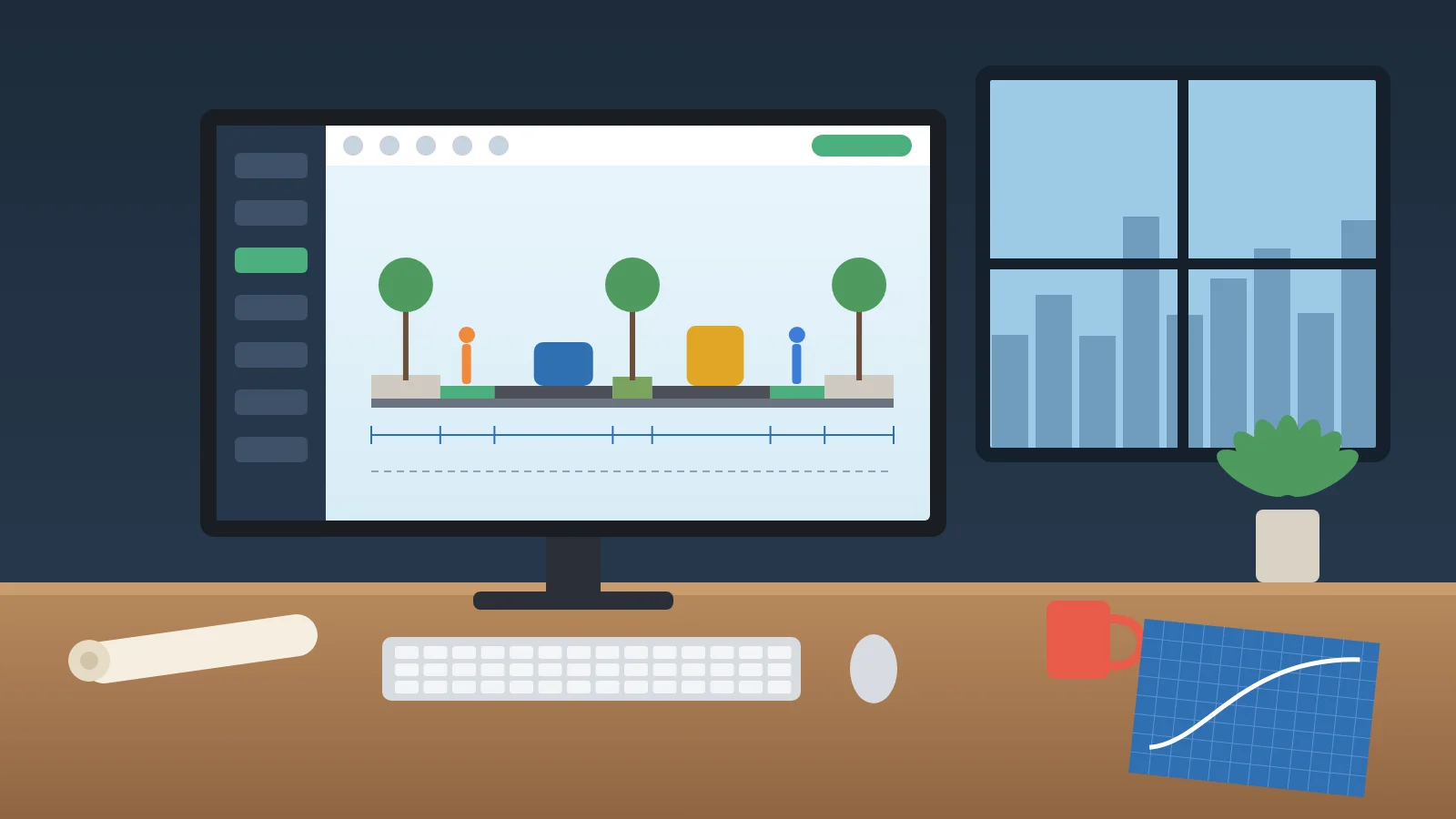
KCROSS is next-generation street design software focused on cross-sections. You define the street geometry, generate the section, iterate instantly, and export anywhere. It produces engineering grade sections without CAD or Photoshop, so planners and engineers can test alternatives live during meetings.
Because KCROSS works alongside your existing CAD and BIM tools, it fits naturally into the early and middle stages of a project. To see it in action, visit our solutions and pricing page or request a demo.
Frequently Asked Questions
What is road design software used for?
Road design software is used to plan road geometry, build cross-sections, calculate quantities, and produce drawings and visuals for review and construction.
Is civil engineering software the same as a road design tool?
Not exactly. Civil engineering suites cover many types of projects, while road and street tools focus on corridors, sections, and layouts. Many teams use both.
Can I design a road without CAD?
For concepts and cross-sections, yes. Specialized tools let you build accurate sections without CAD. Detailed construction design, however, usually still happens in CAD or BIM.
How long does it take to learn road design software?
It depends on the tool. Full civil suites can take months to master. In contrast, focused cross-section tools can be learned in a single session.
Final Thoughts
The right road design software saves time, reduces errors, and makes it easier to share ideas with everyone involved. Start by mapping where your team spends the most hours today. Then choose tools that remove that bottleneck, so your engineers can focus on building safer and better roads.